

Creating stunning AI art isn’t about magic; it’s about vocabulary. If you are looking for the best Midjourney prompts to take your creations from “average” to “award-winning,” you have come to the right place.
- The Perfect Midjourney Prompt Formula (Cheat Sheet)
- Best Midjourney Prompts for Photorealism & Photography
- Best Midjourney Prompts for Logo Design & Branding
- Best Midjourney Prompts for Web Design & UI/UX
- Best Midjourney Prompts for Anime & Illustration (Niji 6)
- Essential Midjourney Parameters Explained
- Frequently Asked Questions (FAQ)
- Final Thoughts
Midjourney V6 (and the upcoming V7) has changed the game. It no longer requires complex “word salad” to get good results, but it does require precision. In this guide, we have curated a list of the best Midjourney prompts for photography, logo design, web UI, and anime that you can copy and paste directly into Discord.
Note: If you are new to using AI for productivity, you might also want to check our guide on Best Prompts for Learning New Tech Concepts to get up to speed quickly.
The Perfect Midjourney Prompt Formula (Cheat Sheet)
Before you start copying, you need to understand why these prompts work. The best Midjourney prompts follow a specific structure that helps the AI understand your intent.
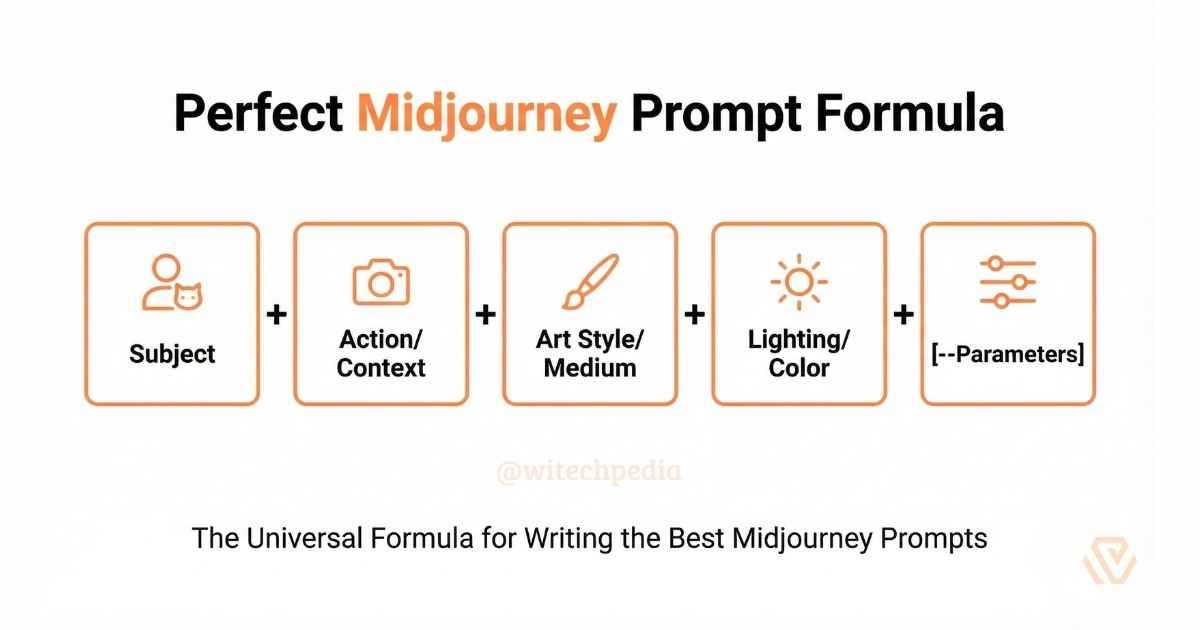
The Formula:
[Subject] + [Action/Context] + [Art Style/Medium] + [Lighting/Color] + [Parameters]
- Subject: A cat, a futuristic city, a CEO.
- Medium: Oil painting, 35mm photography, vector illustration.
- Lighting: Cinematic, natural, volumetric.
- Parameters:
--ar 16:9(Aspect Ratio),--v 6.0(Version).
For a deeper dive into how AI understands language, check out the official Midjourney Documentation.
Best Midjourney Prompts for Photorealism & Photography
If you want images that look like they were taken with a high-end DSLR camera, you need to use terminology from real-world photography. These are the best Midjourney prompts for generating hyper-realistic images.
Best Midjourney Prompts for Cinematic Portraits
To get that “movie star” look, we focus on lighting and lens specifications.
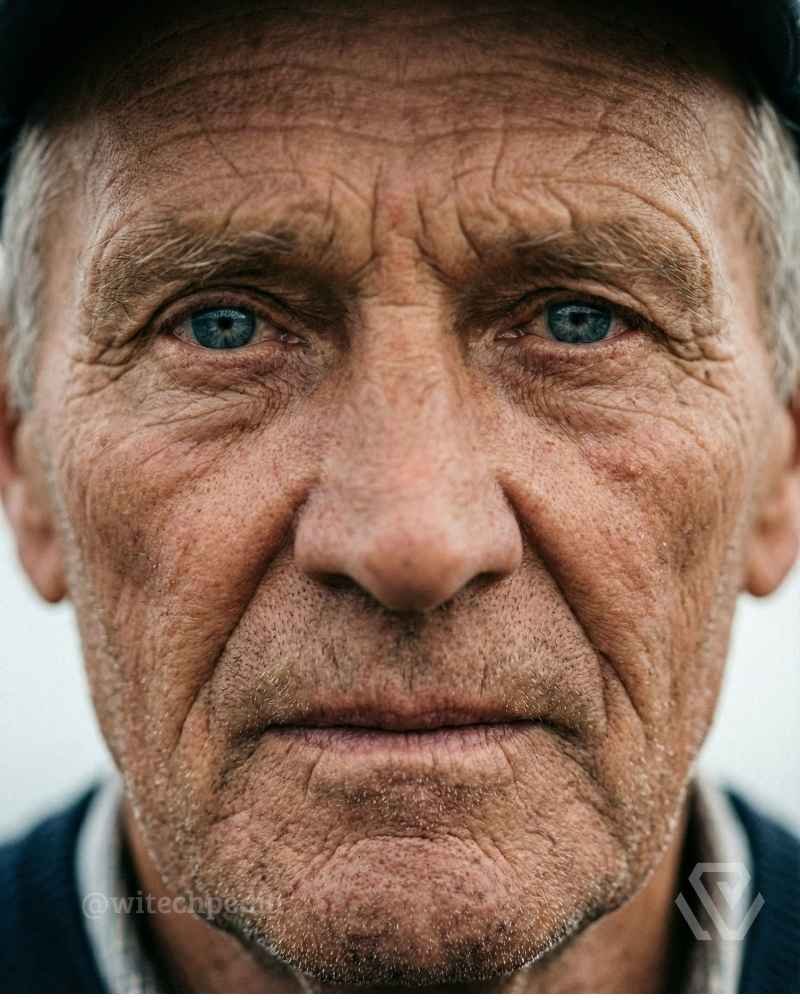
1. The “National Geographic” Portrait
Prompt:
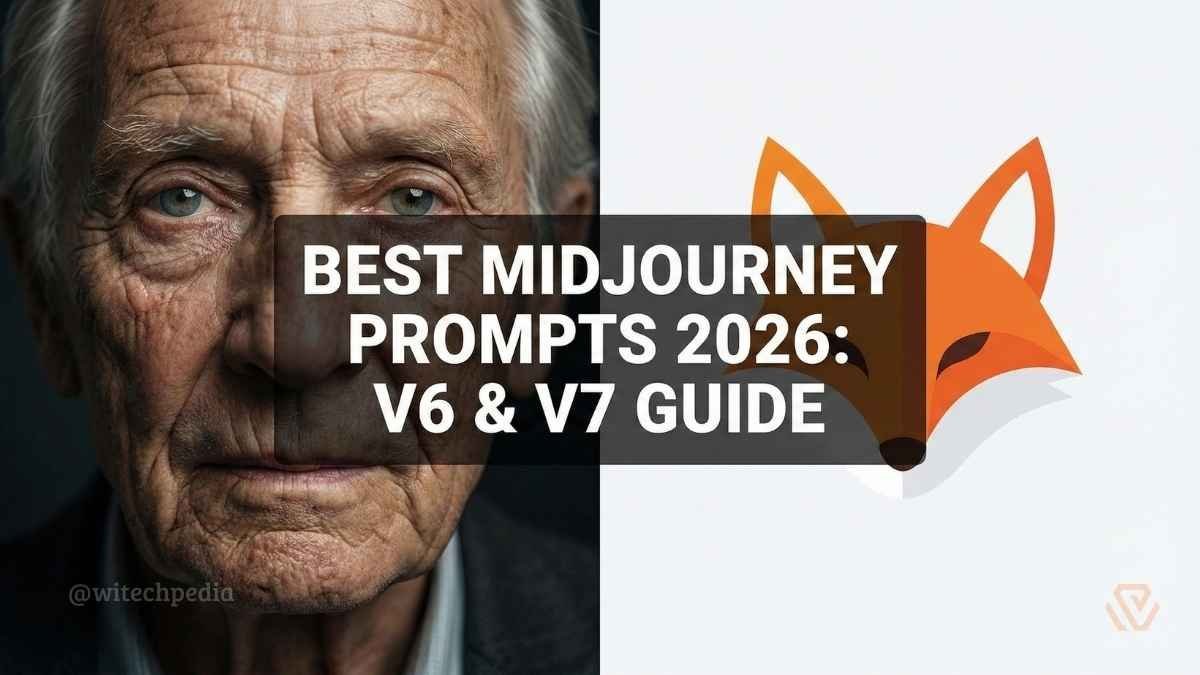
Portrait of an elderly fisherman with a weathered face, piercing blue eyes, looking directly at the camera, hyper-realistic, shot on Sony A7R IV, 85mm lens, f/1.8, natural lighting, sharp focus, detailed skin texture, pores visible --ar 4:5 --v 6.0 --style raw
2. The Cyberpunk Street Shot
Prompt:
Street photography of a woman standing in Tokyo rain at night, neon lights reflecting in puddles, cyberpunk aesthetic, bokeh effect, cinematic lighting, shot on Kodak Portra 400 film, moody atmosphere --ar 16:9 --v 6.0
3. The Editorial Fashion Shoot
Prompt:
Full body fashion shot of a model wearing avant-garde plastic clothing, white studio background, high fashion pose, softbox lighting, 4k, ultra-detailed --ar 2:3 --stylize 250
Best Midjourney Prompts for Logo Design & Branding
Midjourney often tries to make “paintings” instead of logos. To get clean, usable vectors, you must use negative keywords and specific style descriptors.
1. The Minimalist Tech Logo
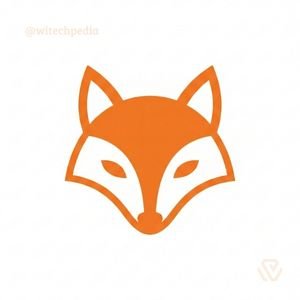
Prompt:
Minimalist vector logo of a fox head, geometric style, orange and white, flat design, white background, Paul Rand style, simple lines, no shading, no text, vector illustration --no realistic photo details --v 6.0
2. The E-Sports Mascot
Prompt:
Esports mascot logo of a cybernetic wolf, aggressive expression, bold thick outlines, vector sticker style, vibrant blue and silver colors, white background, high contrast --no text --v 6.0
3. The Luxury Brand Emblem
Prompt:
Luxury brand emblem, letter 'A' interwoven with floral elements, gold foil texture on black background, elegant serif font style, sophisticated, embossing effect --ar 1:1
Once you have created your brand identity, the next step is getting it seen. Read our comprehensive guide on Best Prompts for SEO Strategy and Content Outlines to learn how to rank your new brand on Google.
Best Midjourney Prompts for Web Design & UI/UX
Stuck on a website layout? Midjourney is an incredible tool for wireframing and inspiration. These prompts will generate professional UI designs.
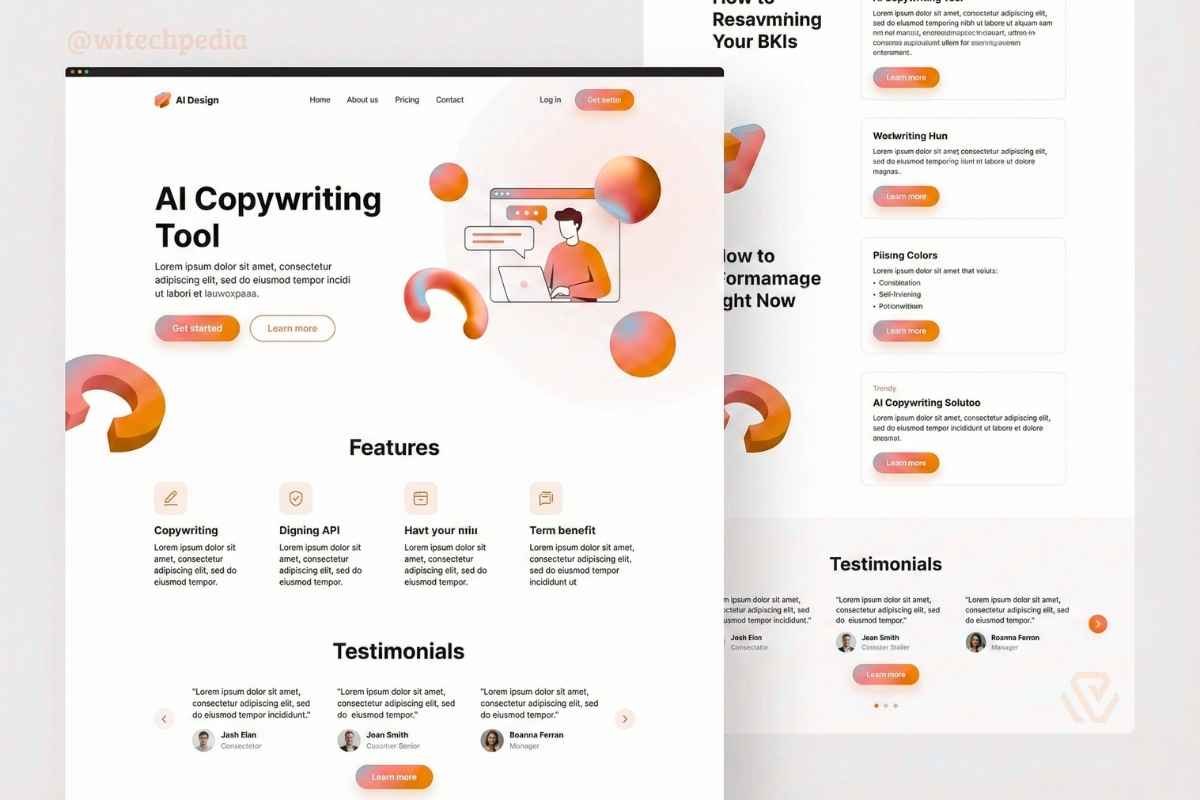
1. The Modern SaaS Landing Page
Prompt:
High-fidelity UI design of a SaaS landing page for an AI copywriting tool, clean white interface, floating 3D abstract shapes, purple and blue gradient buttons, modern typography, Dribbble trend, Figma style --ar 3:2
2. The Dark Mode Mobile App
Prompt:
Mobile app interface for a fitness tracker, dark mode, neon green data visualization graphs, glassmorphism elements, sleek, iOS 17 aesthetic, user-friendly layout --ar 9:16
Internal Linking Opportunity:
Midjourney can design the look, but it can’t write the code. To turn these images into a real website, check out our article on [Best GitHub Copilot Prompts for Frontend Development] to generate the React or HTML/CSS code instantly.
Best Midjourney Prompts for Anime & Illustration (Niji 6)
For anime and stylized art, Midjourney has a specific model called “Niji.” You can activate it by adding --niji 6 to the end of your prompt.
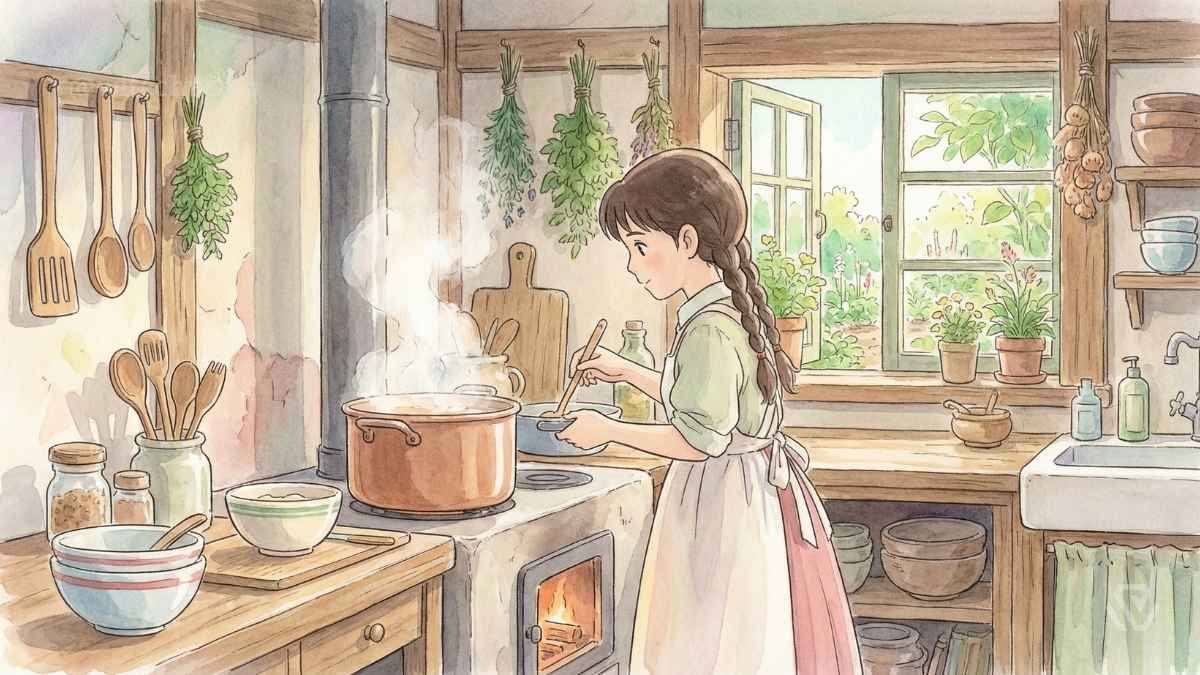
1. The Studio Ghibli Style
Prompt:
A young girl cooking in a cozy rustic kitchen, steam rising from the pot, lush green plants outside the window, Studio Ghibli art style, hand-painted texture, soft pastel colors, peaceful atmosphere --niji 6
2. The 90s Anime Aesthetic
Prompt:
Retro 90s anime screenshot, a pilot inside a mech cockpit, starry space background, VHS glitch effect, lo-fi aesthetic, detailed control panel --ar 4:3 --niji 6
Essential Midjourney Parameters Explained
To truly master the best Midjourney prompts, you need to control the technical settings. Here is a quick reference table for the most important parameters.
| Parameter | Command | Function |
| Aspect Ratio | --ar 16:9 | Changes image dimensions (Landscape). Use 9:16 for mobile wallpapers. |
| Version | --v 6.0 | Forces the use of Version 6 (Best for photorealism). |
| Stylize | --s 100 | Controls how “artistic” the AI gets. Range is 0-1000. Low is literal; high is creative. |
| Negative | --no [item] | Tells the AI what to remove (e.g., --no blur, --no text). |
| Niji | --niji 6 | Switches to the Anime-optimized model. |
Frequently Asked Questions (FAQ)
Here are the most common questions about writing the best Midjourney prompts.
Can I sell the images I create with Midjourney?
Yes, if you have a paid subscription to Midjourney, you own the commercial rights to the images you create. You can use them for logos, book covers, or website assets without legal issues.
How do I keep a character consistent across different images?
To keep a character looking the same, use the Character Reference parameter (--cref). Upload an image of your character, copy its URL, and add --cref [URL] to your new prompt.
Why is Midjourney ignoring my text prompts?
If Midjourney is ignoring specific words, try moving them to the beginning of the prompt. The earlier a word appears, the more weight the AI gives it. You can also use “weights” like ::2 (e.g., red::2) to emphasize specific colors or objects.
Is Midjourney better than DALL-E 3 for prompts?
Midjourney generally produces higher artistic quality and more photorealistic textures, while DALL-E 3 (via ChatGPT) is better at following complex instructions and generating accurate text within images.
Final Thoughts
Mastering AI art is a journey of trial and error, but starting with the best Midjourney prompts gives you a massive head start. Whether you are designing a logo for your startup or creating photorealistic assets for a game, the prompts above are your foundation.
What to read next on WiTechPedia:
- Best Prompts for Excel: Formulas, Macros & Automation – Save hours of work by automating your spreadsheets.
- Best Prompts for Debugging Code (Python, JS, C++) – Fix your code faster with these AI strategies.
- Best Prompts for Writing Cybersecurity Incident Reports – Learn how to document technical issues professionally.
Found this guide helpful? Share your best creations with us on social media and tag @WiTechPedia!