







For years, the question was simply “Which AI is smarter?” But in 2026, raw intelligence isn’t enough. We need assistants that can actually see, hear, and—crucially—work within our existing files without hallucinating.
I have spent the last month living exclusively inside the Google ecosystem, testing the latest Gemini Advanced (powered by Gemini 1.5 Pro/2.0 updates) to see if it finally dethrones OpenAI’s ChatGPT. While ChatGPT still holds the crown for creative flair, my testing suggests that Gemini has quietly won the war on productivity.
Here is my full review of Google Gemini in 2026.
What is Google Gemini? (The 2026 Landscape)
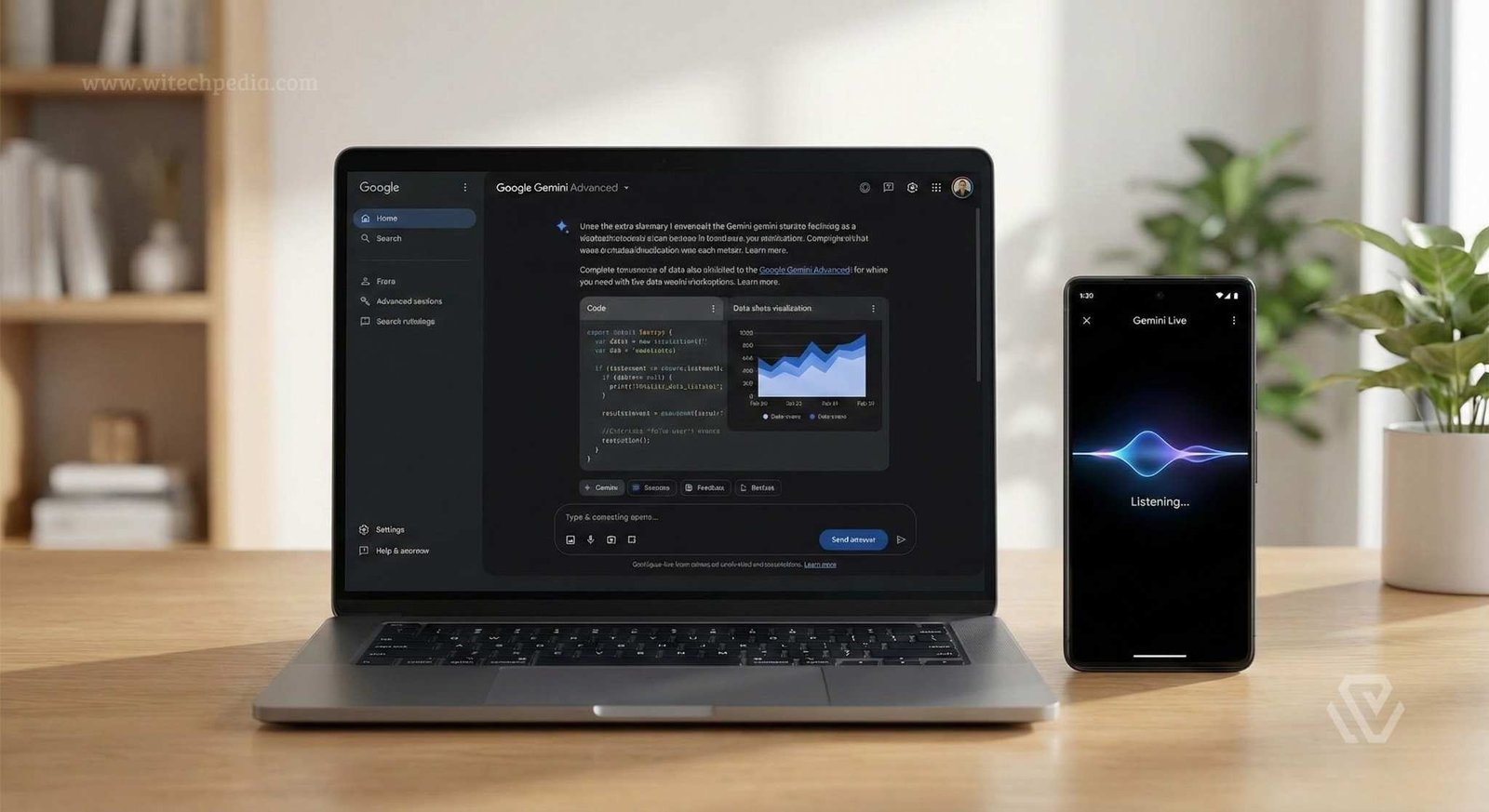
Unlike early LLMs that were trained on text and then “taught” to see images later, Gemini is native multimodal. This means it was trained from the start on code, video, audio, and text simultaneously. It doesn’t just “read” a video; it understands the temporal flow of frames.
Google has streamlined its confusing naming scheme. Here is the hierarchy you need to know today:
| Model Tier | Best Use Case | Availability |
| Gemini Nano | On-device tasks (Android/Pixel). No internet needed. | Built-in (Pixel 10/Samsung S26) |
| Gemini Flash | High-speed, low-latency tasks. High volume. | Free Tier / API |
| Gemini Pro | Complex reasoning, coding, and writing. | Gemini Advanced Subscription |
| Gemini Ultra | Massive scale enterprise data analysis. | Enterprise/Business Plans |
Key Features Tested: The 2026 Experience
1. Multimodality & Video Understanding
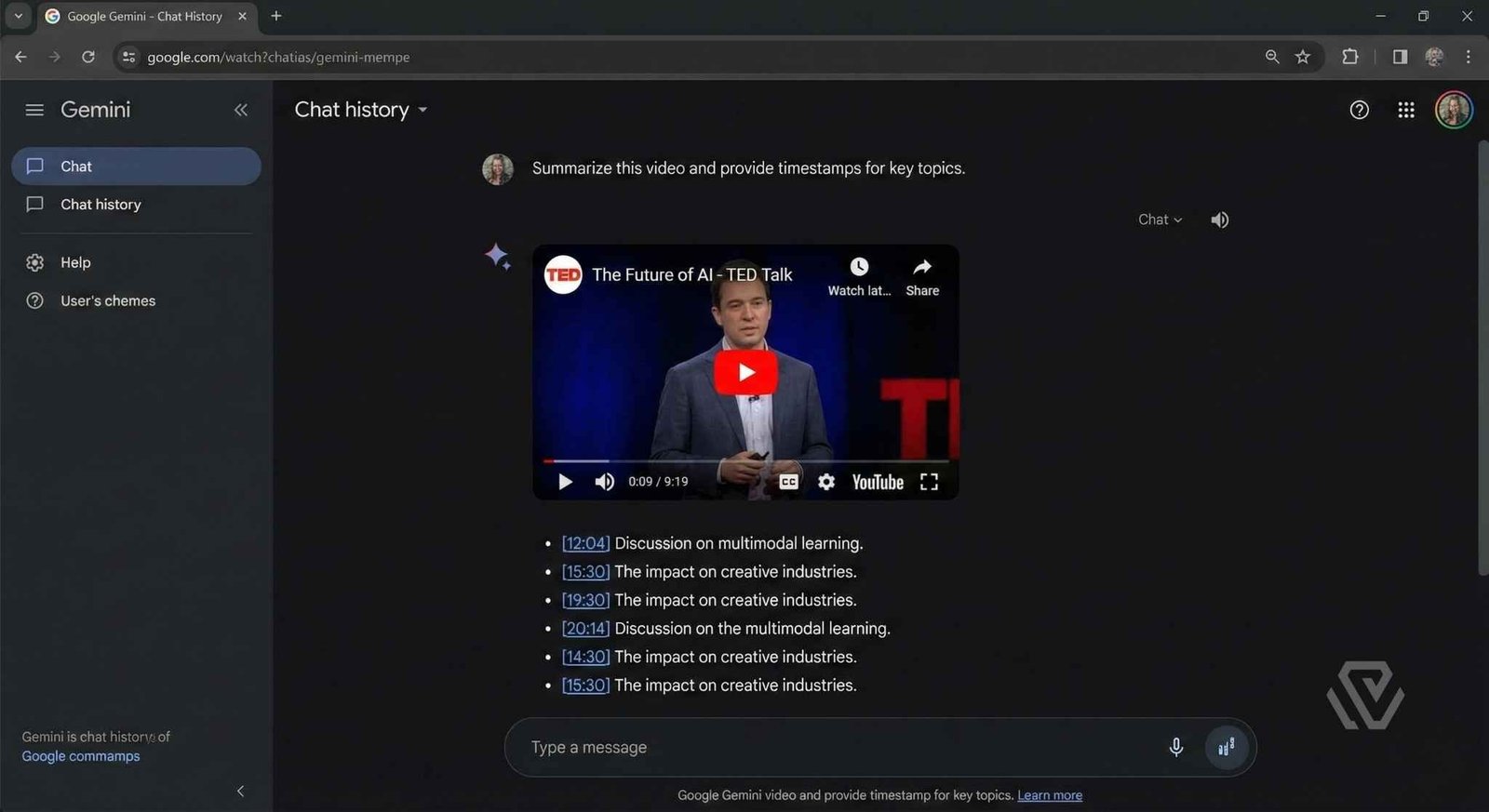
This is where Gemini leaves everyone else in the dust. I uploaded a 45-minute webinar recording (MP4 format) directly into the chat.
- The Test: “Summarize the Q&A section at the end and list the timestamps where they discuss ‘battery degradation’.”
- The Result: It didn’t transcribe the whole thing; it watched it. It gave me exact clickable timestamps and a perfect summary in 30 seconds.
- Verdict: If you work with video content or long lectures, this feature alone is worth the subscription.
2. The 'Deep Research' Agent
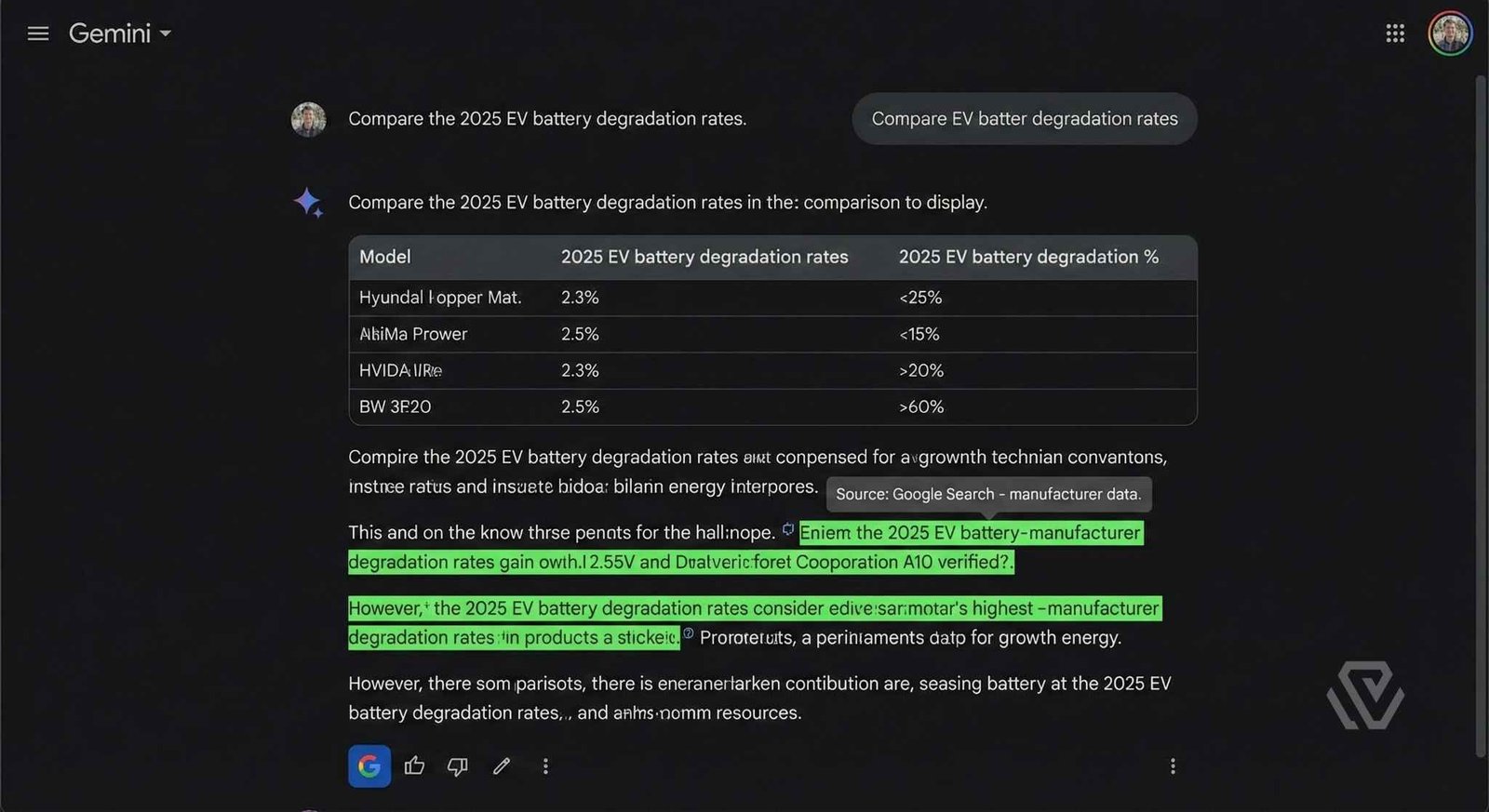
We are all tired of hallucinations. Google’s integration of “Grounding” (connecting the AI to Google Search) has matured significantly.
When I asked, “Compare the 2025 EV battery degradation rates across 5 major brands,” Gemini didn’t just guess. It triggered its Double-Check feature. The response included color-coded highlights:
- Green: Verified by a specific Google Search result.
- Orange: Potential ambiguity or older data.
It feels less like a magic box and more like a diligent research assistant.
3. Google Workspace Integration (The Killer Feature)
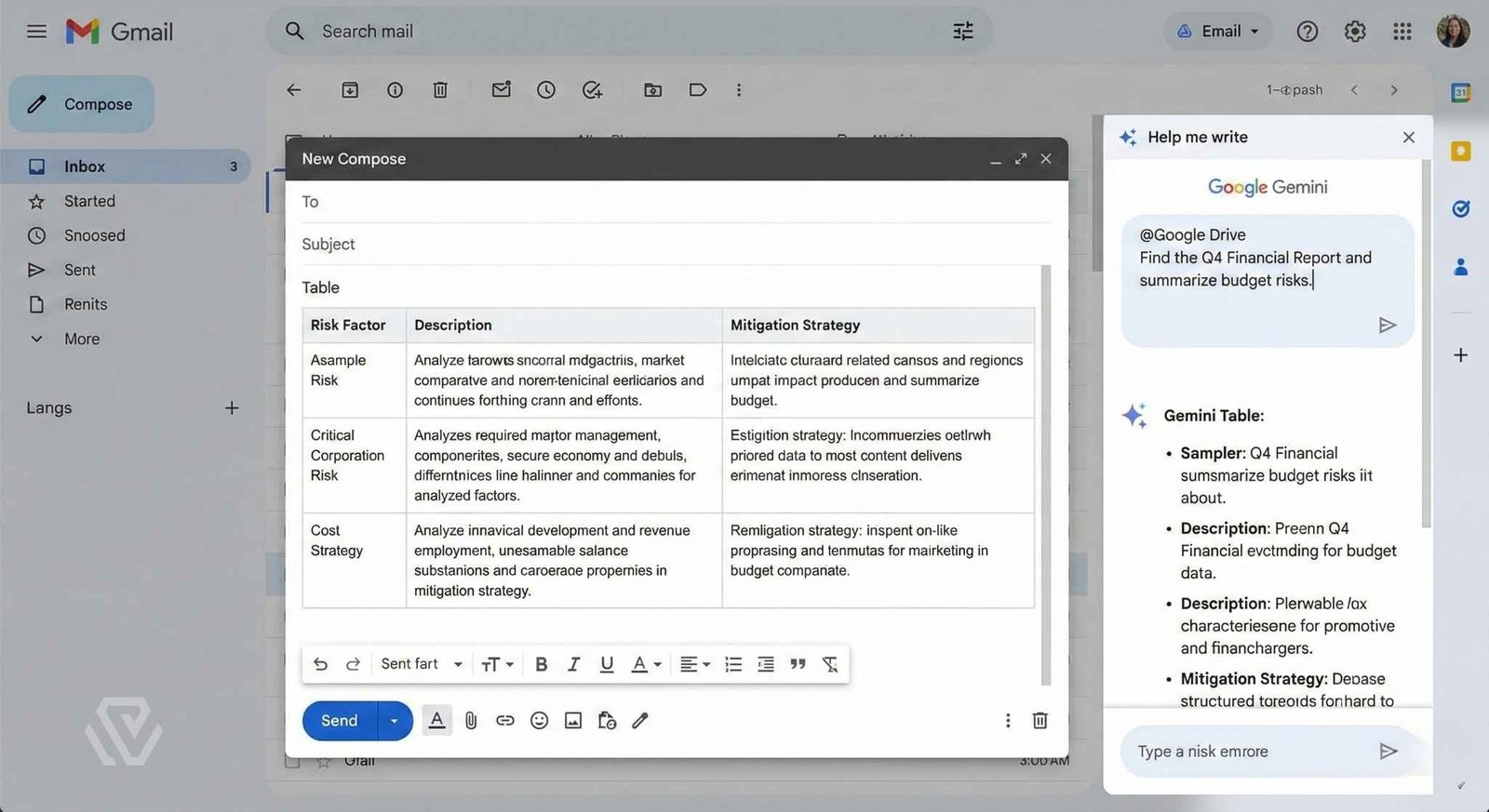
his is the main reason to switch. Claude 3.5 Sonnet and ChatGPT are islands; Gemini is an archipelago connected by bridges.
I used the @Google Drive command to say:
“Find the PDF proposal from ‘Client X’ sent last week, and draft a reply based on the budget numbers in my ‘2026 Financials’ Google Sheet.”
It found the email, read the PDF, pulled data from the Sheet, and wrote the draft in Gmail. No copy-pasting. No file uploads. It just worked.
Gemini Advanced vs. ChatGPT Plus (Head-to-Head)
This is the comparison everyone asks for. I broke it down by category to help you decide which AI subscription is right for you.
| Feature | Google Gemini (Advanced) | ChatGPT Plus (GPT-5 Class) | The Winner |
| Reasoning | Strong, distinct “thinking” steps. | Slightly more nuanced. | Tie (Edge to OpenAI) |
| Ecosystem | Native (Docs, Drive, Gmail). | Requires manual uploads. | Gemini |
| Context Window | 2 Million Tokens (Can read entire codebases). | ~128k Tokens. | Gemini (By far) |
| Price | $19.99/mo (includes 2TB Storage). | $20/mo (AI Only). | Gemini (Value) |
For a deeper dive into the differences, read our full battle: Gemini vs. ChatGPT – Which is Best in 2026?.
Pros and Cons of Google Gemini
✅ The Good
- Massive Context Window: You can upload an entire book, a full legal contract, or a massive repo, and it remembers the beginning at the end.
- The “Google One” Bundle: For $20/month, getting the best AI model plus 2TB of Google Cloud Storage is arguably the best value deal in tech.
- Data Privacy: Google has updated their Privacy Policy to state that workspace data is not used to train the public model on paid plans.
❌ The Bad
- Over-Censorship: The safety filters can be aggressive. Asking for “generated images of historical battles” can sometimes trigger a refusal due to sensitivity settings.
- Stiff Creative Writing: If you need a creative writing partner, check out our [Internal Link: Best AI Tools for Creative Writing] list instead.
Final Verdict: The "Google" Advantage
If you are a creative writer, a poet, or someone who uses AI purely for brainstorming ideas, ChatGPT remains the more “human” conversational partner.
However, if you are a professional, a student, or a developer whose work lives inside documents, spreadsheets, and emails, Google Gemini is no longer just an alternative—it is the superior choice. It reduces the “friction” of work by coming to where your data already lives.
Bottom Line: Come for the AI, stay for the 2TB storage and the ability to chat with your Google Drive.
Frequently Asked Questions (FAQ)
Is Gemini Advanced better than the free version?
Yes. The free version (Gemini Flash) is fast but lacks the deep reasoning and large context window needed for complex tasks like coding or analyzing long documents.
Does Google Gemini use my private emails for training?
If you are on the paid “Gemini Advanced” or Enterprise plan, Google states that your personal Workspace data is not used to train their models.
Can Gemini generate images?
Yes, it uses the Imagen 3 model, which is photorealistic but has strict safety guardrails regarding human generation.
Is Gemini Advanced included in Google One?
Yes, the “AI Premium” Google One plan (2TB) includes Gemini Advanced for $19.99/month.
Can Gemini really watch YouTube videos?
Yes, Gemini is multimodal, meaning it processes the video frames natively to understand visual context, not just the transcript.
Is my data used to train Gemini?
If you use the consumer (free) version, Google may use data to train models. However, Gemini Advanced and Enterprise users have stricter data privacy protections where workspace data is not used for training.