



If you’ve recently installed Microsoft’s latest OS, you’re likely looking for how to activate Windows 11 for free to remove that annoying “Activate Windows” watermark. While many think they need to buy a brand-new license, you can actually unlock all premium features legally using your existing digital rights or built-in system tools.
- Method 1: How to Activate Windows 11 for Free Using a Previous Product Key
- Method 2: How to Activate Windows 11 for Free via Command Prompt (KMS)
- Method 3: Use the Troubleshooter to Reactivate After Hardware Changes
- Why You Should Avoid Unofficial Activators
- Common Windows 11 Activation Error Codes & Fixes
- Frequently Asked Questions (FAQ)
- Why You Should Avoid “Free” Activation Cracks
This guide will show you exactly 3 simple ways to activate Windows 11 for free without risking your PC’s security with dangerous “crack” software.
Method 1: How to Activate Windows 11 for Free Using a Previous Product Key
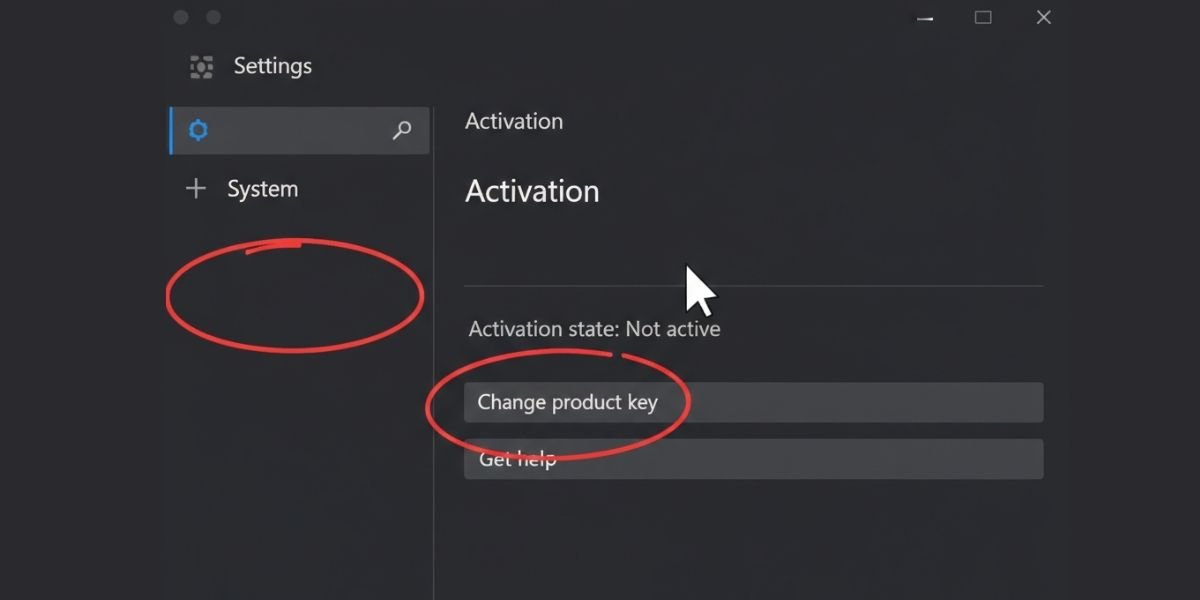
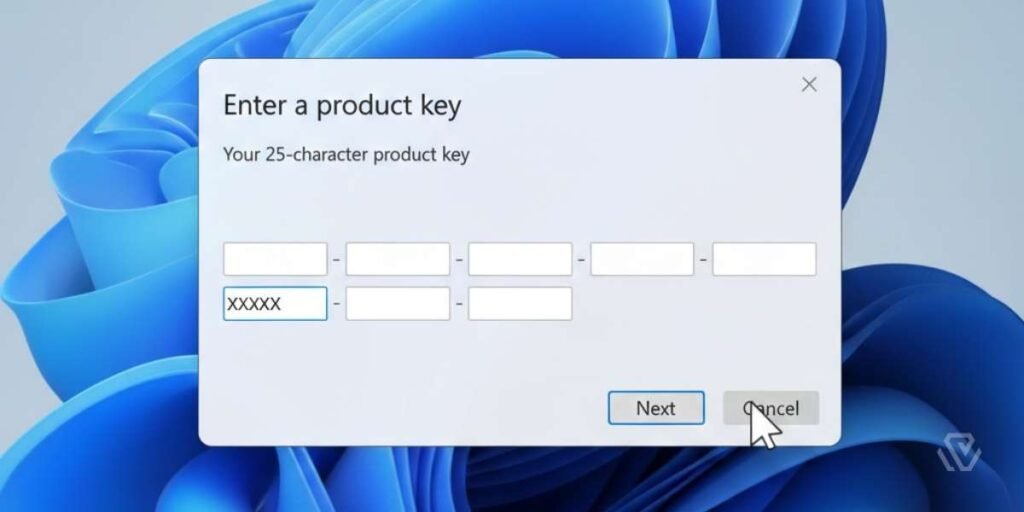
Microsoft treats Windows 11 as a “free upgrade” for users who already own a legitimate license for Windows 7, 8, or 10. If you have an old laptop or a retail box with a 25-digit code, you can likely use it to unlock Windows 11 premium features today.
Before activating, ensure you have followed our Official Windows 11 Installation Guide to ensure your system files are clean.
Using a Windows 7, 8, or 10 Key:
Pro Tip
If your key is an OEM license (came pre-installed on a laptop), it is tied to that specific motherboard and cannot be moved to a new PC. Retail licenses, however, can be transferred freely.
Method 2: How to Activate Windows 11 for Free via Command Prompt (KMS)
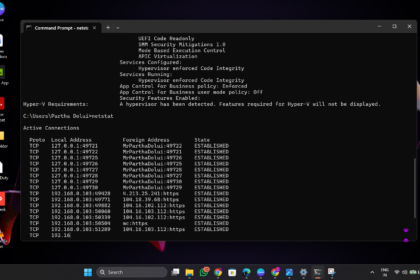
For students or those working within an organization, the Command Prompt (CMD) offers a way to connect to a Key Management Service. This is a technical but effective way to learn how to activate Windows 11 for free if you have access to a legal KMS host.
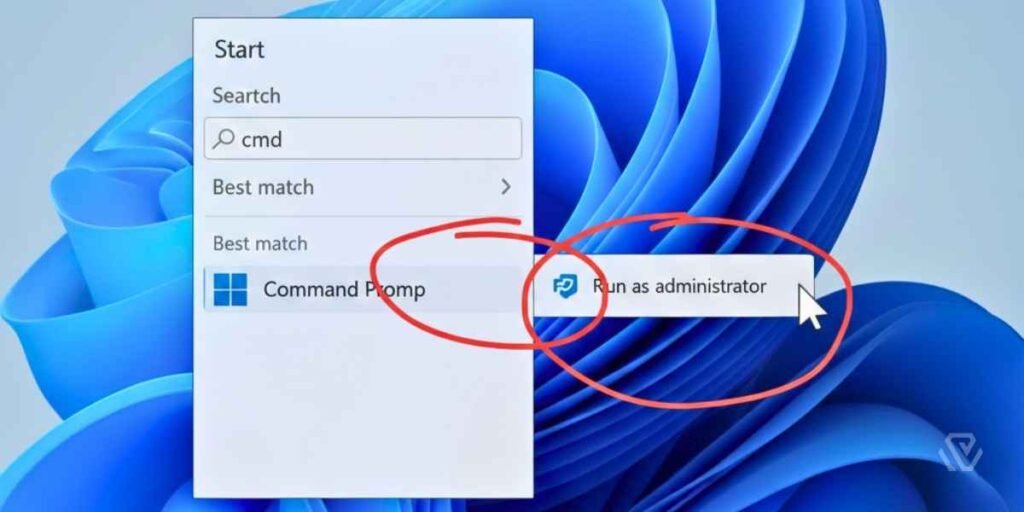
Step-by-Step CMD Activation:
Method 3: Use the Troubleshooter to Reactivate After Hardware Changes
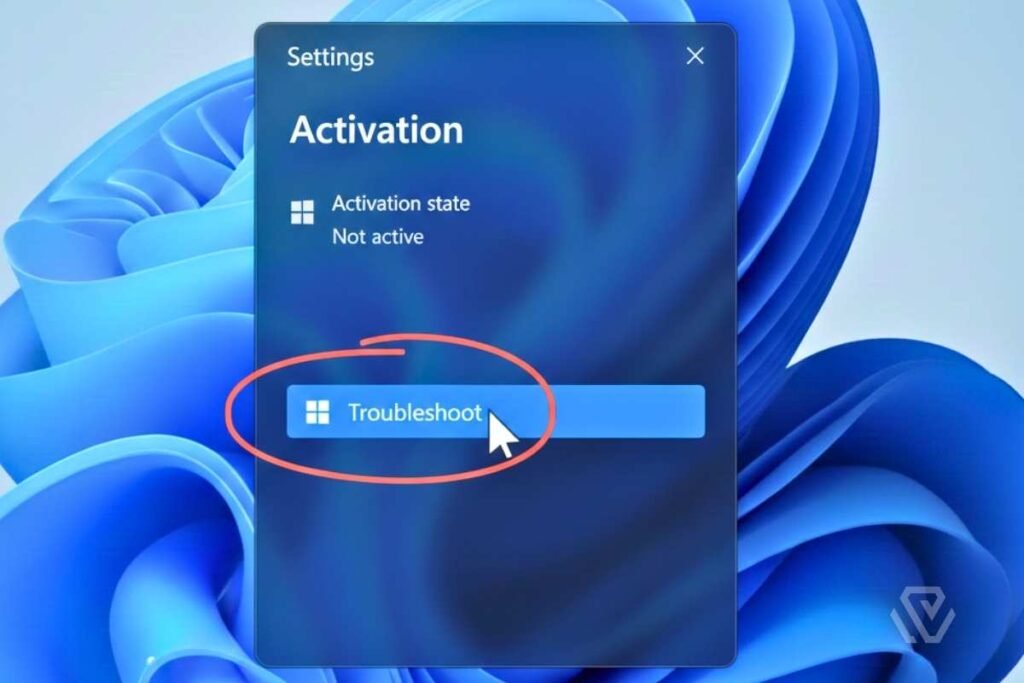
If you’ve upgraded your motherboard or SSD, Windows might lose its activation status. However, if your license was previously linked to your Microsoft Account, the built-in troubleshooter is a “secret weapon” for how to activate Windows 11 for free on your new hardware.
Why You Should Avoid Unofficial Activators
While searching for how to activate Windows 11 for free, you will likely find tools like KMSPico or “activator.exe” files.
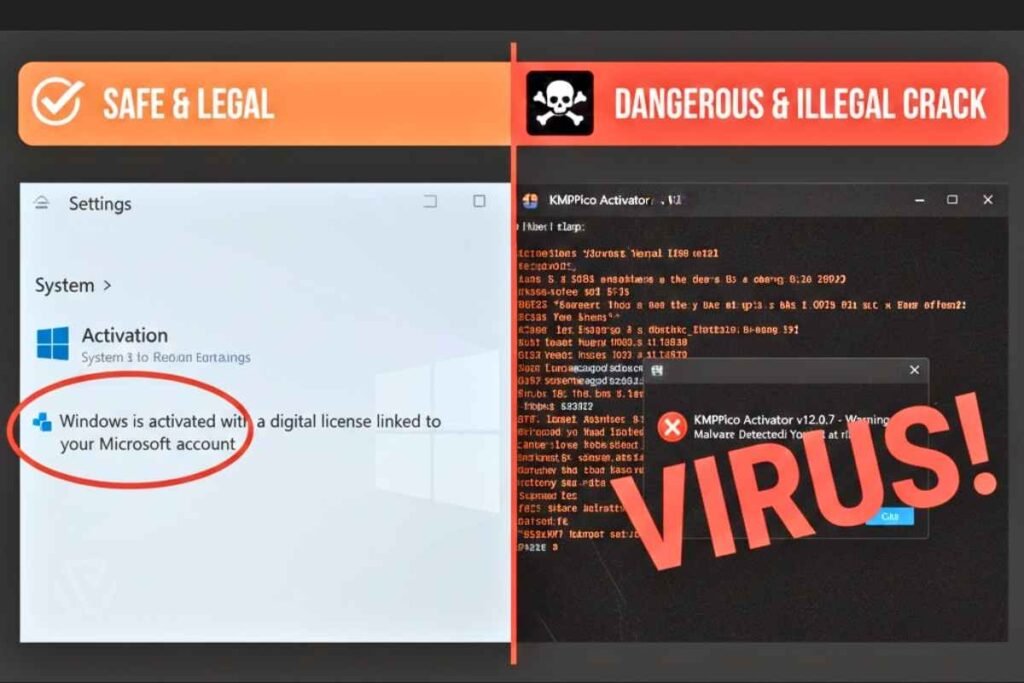
Do not download these. Unlike the legal methods listed above, these tools often contain:
For more tips on maintaining your system once it’s activated, check out our Windows 11 Optimization Guide.
Common Windows 11 Activation Error Codes & Fixes
If you encounter an error while trying to activate Windows 11 for free, here are the most common codes and how to solve them:
- Error 0xC004C003: This usually means your product key is invalid. If you are certain the key is correct, try the steps in our Windows 10 Activation Guide as the troubleshooting steps are nearly identical.
- Error 0x803f7001: A valid license wasn’t found. Ensure your internet connection is stable and check the Official Microsoft Support Page for specific server-side fixes.
- Error 0xC004F074: The KMS server is unreachable. Check your VPN or organization network.
Frequently Asked Questions (FAQ)
Can I use Windows 11 without activating it?
Yes. You can use Windows 11 indefinitely without activation. However, you will have a “Activate Windows” watermark on your desktop, and you will be unable to use Personalization settings (changing wallpaper, colors, or themes).
Will a Windows 10 key activate Windows 11?
Absolutely. Microsoft currently allows Windows 10 keys to activate Windows 11 as long as the versions match (e.g., Windows 10 Pro key for Windows 11 Pro).
Is activating Windows 11 via CMD legal?
Activating via CMD is a legitimate feature for organizations using KMS. However, using CMD to connect to unauthorized third-party “crack” servers is a violation of the EULA and poses security risks.
How do I find my Windows 11 product key?
If you bought a digital copy, it’s linked to your Microsoft Account. If your PC came with Windows pre-installed, the key is embedded in your UEFI/BIOS. You can find it by typing wmic path softwarelicensingservice get OA3xOriginalProductKey in CMD.
Why You Should Avoid “Free” Activation Cracks
When searching for how to activate Windows 11 for free, you may see tools like KMSPico. As we’ve detailed in our AI Cybersecurity Threats Guide, malware often hides inside these tools.
Final Thoughts
Activating Windows 11 for free is straightforward if you use the legal methods provided by Microsoft. Once your system is activated, make sure to keep it running smoothly by checking out our Guide on How to Speed Up Windows 11.