





Enhance your experience and support our site. Click "Accept" to consent to our Privacy and Cookie Policies.
Accept
WiTechPedia Main Logo Black Transparent WiTechPedia Main Logo White Transparent
  • Wikis
  • Guides
  • Reviews
  • Articles
  • Services
Notification
Facebook Twitter Youtube Pinterest Linkedin
  • AI & ML
  • Cloud & Data
  • Cybersecurity
  • Programming
  • Tools
  • History & Glossaries
  • Wikis
  • Guides
  • Reviews
  • Articles
  • Services
  • My Interests
  • My Saves
  • My Feed
  • My Bookmarks
  • My Account
Personalize
WiTechPediaWiTechPedia
Font ResizerAa
  • Wikis
  • Guides
  • Reviews
  • Articles
  • Services
Search anything...
  • AI & ML
  • Cybersecurity
  • Programming & Development
  • Tech History & Glossaries
  • Cloud & Data
  • Hardware & Software
  • Emerging Tech

Follow @witechpedia on social media

FacebookLike
XFollow
PinterestPin
InstagramFollow
YoutubeSubscribe
LinkedInFollow

What's New at WiTechPedia

Explore More
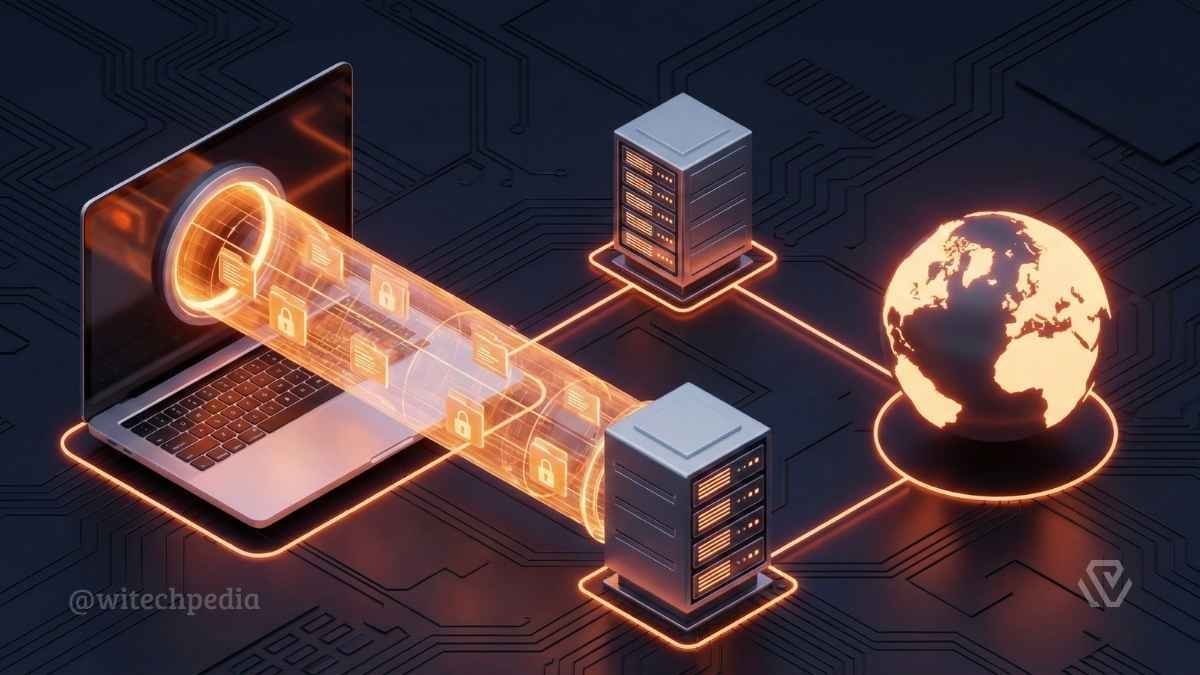
Diagram showing What is a VPN creating an encrypted tunnel between a user's laptop and the internet to secure data.

What is a VPN? The Complete Technical Encyclopedia

OpenClaw Review 2026: Self-Hosted AI Gateway Interface on Mac and Mobile

OpenClaw AI Wiki: Architecture, Skills, and Implementation

OpenClaw Review 2026: Self-Hosted AI Gateway Interface on Mac and Mobile

OpenClaw Review 2026: The Ultimate Privacy-First AI Gateway?

4.7 out of 5BEST SELF-HOSTED AI GATEWAY
How to install OpenClaw self-hosted AI assistant on Windows macOS and Linux

How to Install OpenClaw: Complete Step-by-Step Guide (2026)

Have an existing account? Sign In
© 2026 WiTechPedia | All Right Received | Managed by @antoniopartha
WiTechPedia > What’s New > Cybersecurity > What is a VPN? The Complete Technical Encyclopedia
Cybersecurity

What is a VPN? The Complete Technical Encyclopedia

A comprehensive guide to Virtual Private Networks (VPNs). Learn how VPNs work, understand protocols like WireGuard and OpenVPN, and discover why encryption is essential for online privacy in 2026.

Antonio Partha
Last updated: February 13, 2026 1:52 AM
By
Antonio Partha
ByAntonio Partha
Hi, I'm Antonio Partha Dolui, a full-stack developer with 6+ years of experience in web development and SEO optimization. I specialize in helping startups and small...
Follow:
No Comments
Share
8 Min Read
Diagram showing What is a VPN creating an encrypted tunnel between a user's laptop and the internet to secure data.
A VPN creates a secure, encrypted tunnel that protects your data from prying eyes.
SHARE

In an era of increasing digital surveillance and cyber threats, understanding what is a VPN (Virtual Private Network) is no longer just for IT professionals—it is a fundamental necessity for anyone with an internet connection. A VPN creates a secure, encrypted connection, often called a “tunnel,” between your device and a remote server. This process masks your IP address, secures your data from prying eyes (including ISPs, hackers, and government agencies), and allows you to bypass geographic restrictions.

Table of Contents
  • How Does a VPN (Virtual Private Network) Work? The Technical Mechanics
  • Key VPN Protocols Explained
  • Essential Features: What Makes a Good VPN?
  • Types of VPN Architectures
  • The Developer’s Corner: Self-Hosted vs. Commercial
  • Legal & Ethical Considerations
  • Conclusion

Whether you are a developer securing a remote database or a casual user streaming content from abroad, this guide covers the technical architecture, protocols, and practical applications of VPN technology.

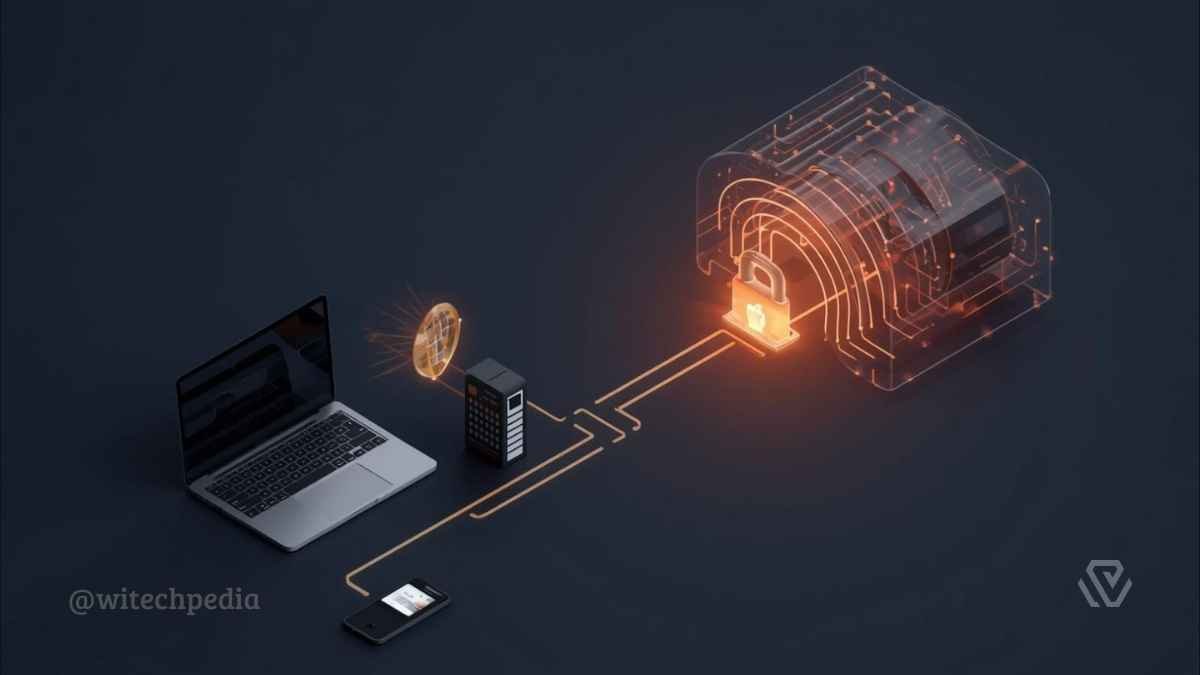
3D illustration showing a laptop and smartphone connecting through a glowing orange encrypted tunnel with a padlock, demonstrating what is a VPN.
A visual representation of how a VPN creates a secure, encrypted tunnel to protect your data from prying eyes.

How Does a VPN (Virtual Private Network) Work? The Technical Mechanics

To understand the security a VPN provides, we must look at the three critical stages of a connection: Encapsulation, Encryption, and IP Masking.

1. Tunneling and Encapsulation

When you activate a VPN, the client software on your device wraps your data packets inside another packet. This “outer” packet acts as a shield, hiding the content of your request from external observers. This process is technically known as tunneling.

  • Check out our detailed guide on Tunneling Protocols

2. Encryption Standards

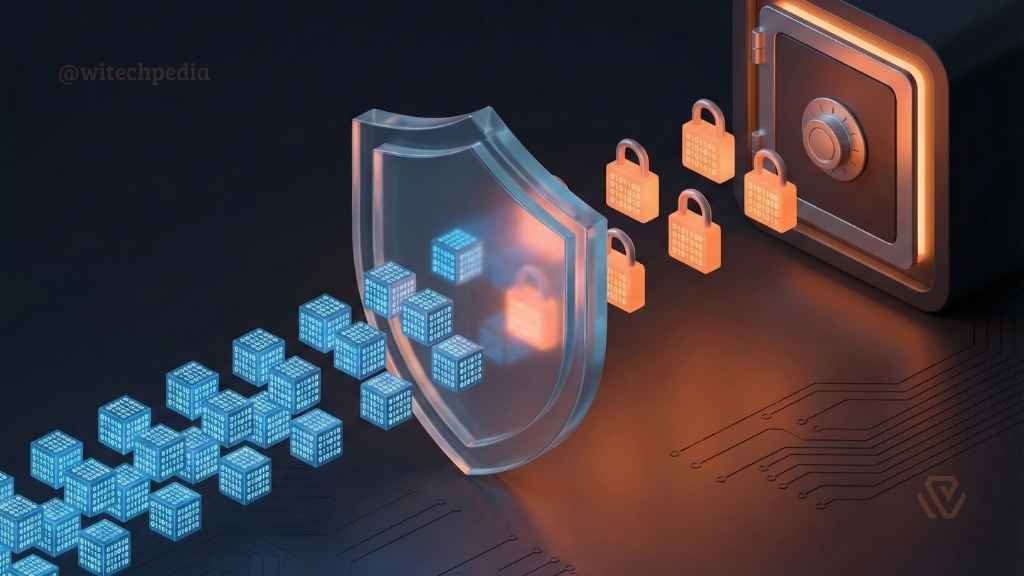
Before the data leaves your device, it is scrambled using cryptographic algorithms. The current Advanced Encryption Standard (AES) is AES-256 (Advanced Encryption Standard), which is used by banks and military organizations worldwide.

Illustration of AES-256 encryption turning raw data packets into secure locked files inside a VPN tunnel.
Advanced encryption standards (AES-256) scramble your data, making it unreadable to hackers.

3. IP Masking

Once the data reaches the VPN server, the server decrypts the request and forwards it to the destination website. To the website, the request appears to come from the VPN server’s IP address, not your home IP.

Did You Know? The concept of the VPN was originally developed by Microsoft in 1996 using the PPTP protocol. It was designed solely to allow employees to work securely from home, not for personal privacy.

Key VPN Protocols Explained

Not all VPN connections are created equal. The “Protocol” determines how your data is routed and encrypted. Choosing the right one is crucial for balancing speed and security.

OpenVPN vs. WireGuard

  • OpenVPN: The gold standard for over a decade. It is open-source and highly configurable but relies on older code architectures.
  • WireGuard: The modern standard. WireGuard uses state-of-the-art cryptography and a significantly leaner codebase (4,000 lines vs. OpenVPN’s 70,000+), resulting in faster speeds for streaming and gaming.
    • You can check out Comparison: WireGuard vs. OpenVPN – Which is Faster?

Other Common Protocols

  • IKEv2/IPsec: Excellent for mobile devices because it effectively handles network changes (e.g., switching from Wi-Fi to 4G) without dropping the connection.
  • L2TP/IPsec: An older standard that bundles the Layer 2 Tunneling Protocol with IPsec for security. It is slower and easily blocked by firewalls.
  • PPTP: <span style=”color:red;”>Obsolete.</span> Do not use this protocol. It is vulnerable to basic decryption attacks and offers no real security.
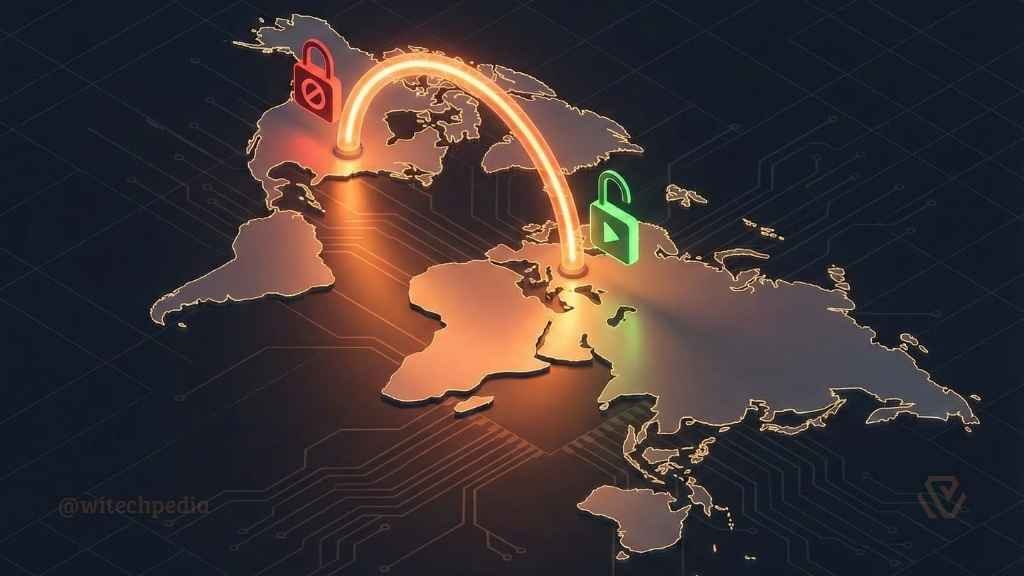
World map showing a VPN connection bypassing geo-restrictions by connecting to a server in a different country.
By connecting to a server in another country, you can access content restricted in your region.

Essential Features: What Makes a Good VPN?

When selecting a provider, you must look beyond marketing claims. These are the technical features that ensure true privacy.

  • Kill Switch: A fail-safe mechanism. If your connection to the VPN server drops unexpectedly, the Kill Switch instantly cuts your internet access to prevent your real IP address from being exposed.
    • Learn: How to Test Your VPN Kill Switch
  • Split Tunneling: Allows you to route specific app traffic (e.g., a torrent client) through the encrypted tunnel while letting other apps (e.g., a local banking app) access the internet directly.
  • No-Logs Policy: A guarantee that the provider does not store records of your browsing history or connection timestamps.
    • Tip: Always look for providers with independently audited no-logs claims. you can choose the Best No-Log VPNs for Privacy.

Types of VPN Architectures

While consumers are familiar with commercial VPN apps, there are other architectural types used in the industry.

  1. Remote Access VPN: Connects individual users to a private network. This is the standard “Consumer VPN” used for personal privacy (e.g., NordVPN, ExpressVPN).
  2. Site-to-Site VPN: Used primarily by large corporations to connect two different office networks (LANs) over the internet.
  3. Client-Based vs. Browser Extensions:
    • Client-Based: Encrypts all traffic leaving your device.
    • Browser Extension: Usually just a proxy that only encrypts traffic within that specific browser. It does not protect other apps.

The Developer’s Corner: Self-Hosted vs. Commercial

This section is for advanced users and developers.

As a full-stack developer, you might consider hosting your own VPN. Here is the trade-off:
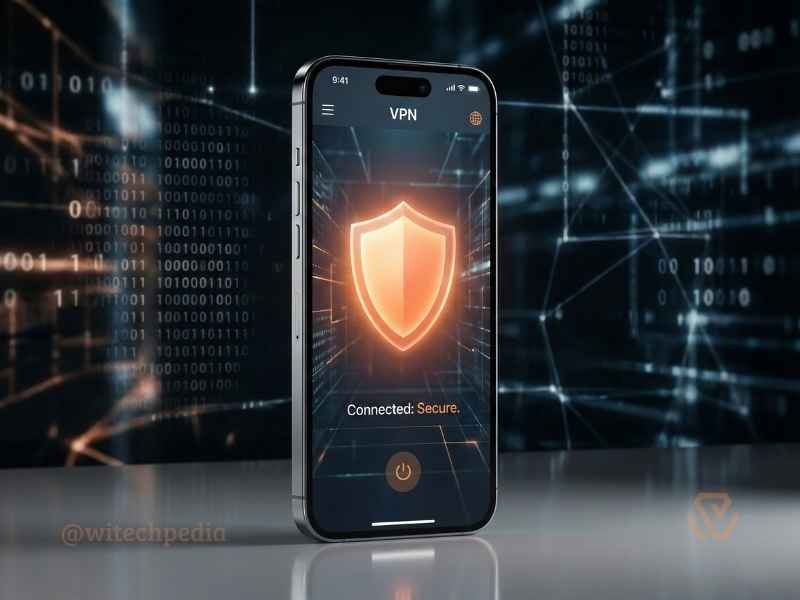
Smartphone displaying a mobile VPN app interface with a secure connection shield icon.
A mobile VPN protects your personal data even on public Wi-Fi networks.

Self-Hosted VPNs (The DIY Route): Using a VPS provider (like DigitalOcean or Linode), you can install OpenVPN Access Server or Algo VPN.

  • Pros: You have 100% control over your data. No third-party logging.
  • Cons: You lose “anonymity” because the VPS IP is registered to your billing account.
    • Check out our Guide: How to Set Up Your Own VPN on Ubuntu

Commercial VPNs (The Service Route):

  • Pros: Shared IP addresses mix your traffic with thousands of other users, making it nearly impossible to isolate a single user’s activity.
  • Cons: Requires trust in the provider.

Legal & Ethical Considerations

Is using a VPN legal? In 95% of the world (including the US, UK, and most of Europe), utilizing a VPN is perfectly legal. However, some countries restrict or ban their use to control information flow.

Warning: While a VPN provides anonymity, it does not grant immunity. Committing illegal acts (such as downloading copyrighted material or cyber-stalking) remains illegal regardless of whether your IP is masked.

Conclusion

A Virtual Private Network is a fundamental layer of defense in a surveillance-heavy digital world. Whether you choose the raw speed of WireGuard or the battle-tested security of OpenVPN, the decision to encrypt your traffic is a decision to reclaim your digital privacy.

Ready to secure your connection?

  • Find the right tool: Best VPNs for 2026 (Ranked by Speed)
  • Verify your privacy: WiTechPedia IP & DNS Leak Test Tool

Sign Up For Weekly Newsletter

Be keep up! Get the latest Technology Updates, delivered straight to your inbox.
By signing up, you agree to our Terms of Use and acknowledge the data practices in our Privacy Policy. You may unsubscribe at any time.
Share This Article
Facebook Copy Link Print
What do you think?
Love0
Sad0
Happy0
Sleepy0
Angry0
Wink0
ByAntonio Partha
Follow:
Hi, I'm Antonio Partha Dolui, a full-stack developer with 6+ years of experience in web development and SEO optimization. I specialize in helping startups and small businesses overcome slow load times, poor rankings, and outdated tech stacks — and achieve top 3 Google positions and 3x faster website performance.
Leave a Comment Leave a Comment

Leave a Reply Cancel reply

Your email address will not be published. Required fields are marked *

Sign Up for Our Newsletter

Subscribe to our newsletter to get our newest articles instantly!

Stay Connected

FacebookLike
XFollow
PinterestPin
InstagramFollow
YoutubeSubscribe
LinkedInFollow

What's New at WiTechPedia

Diagram showing What is a VPN creating an encrypted tunnel between a user's laptop and the internet to secure data.
What is a VPN? The Complete Technical Encyclopedia
Cybersecurity
A timeline illustration showing the history of Artificial Intelligence, evolving from the 1950 Turing Test mainframe to 2026 Agentic AI and robotics.
The History of Artificial Intelligence: From the Turing Test to Agentic AI (1950–2026)
Tech History & Glossaries AI & ML
Best Claude AI prompts for writing transformation showing a messy draft turning into a polished blog post using Claude 3.5 Sonnet.
10 Best Claude AI Prompts for Writing & Copy (2026 Guide)
AI & ML Programming & Development
A futuristic digital shield protecting a server network from red AI Cybersecurity Threats in 2026
AI Cybersecurity Threats & Defenses in 2026: The Ultimate Guide
Cybersecurity

You may also like

Uncover the stories that related to the post!
A futuristic digital shield protecting a server network from red AI Cybersecurity Threats in 2026
Cybersecurity

AI Cybersecurity Threats & Defenses in 2026: The Ultimate Guide

Diagram showing What is a VPN creating an encrypted tunnel between a user's laptop and the internet to secure data.
Cybersecurity

What is a VPN? The Complete Technical Encyclopedia

Preemptive Cybersecurity in 2026: Safeguarding AI-Driven Worlds

Quantum Computing in 2026: Revolutionizing AI and Data Security

WiTechPedia Main Logo Black Transparent WiTechPedia Main Logo White Transparent

Explore WiTechPedia, The free technology encyclopedia packed with wikis, guides, tools, reviews, & articles on AI & ML, Cloud & Data, Cybersecurity, Programming, Hardware & Software, History & Glossaries. Unlock knowledge today!

  • Important links:
  • Privacy Policy
  • Cookie Policy
  • Copyright
  • Terms of Service

Quick Links

  • AI & ML
  • Cloud & Data
  • Cybersecurity
  • Programming
  • Tools
  • History & Glossaries

About Us

  • About Us
  • Contact Us
  • ServicesNew
  • Wikis
  • Reviews
  • Guides
Facebook Twitter Youtube Pinterest Linkedin

© 2026 WiTechPedia | All Right Received | Managed by @antoniopartha

WiTechPedia Popup image black
Join WiTechPedia!
Subscribe to our newsletter and never miss our latest Technology related Wikis, Guides, Reviews, Articles, Tools & More for FREE...
Zero spam, Unsubscribe at any time.
WiTechPedia - The FREE Technology Encyclopedia WiTechPedia - The FREE Technology Encyclopedia
Welcome Back!

Sign in to your account

Username or Email Address
Password

Lost your password?

Not a member? Sign Up