




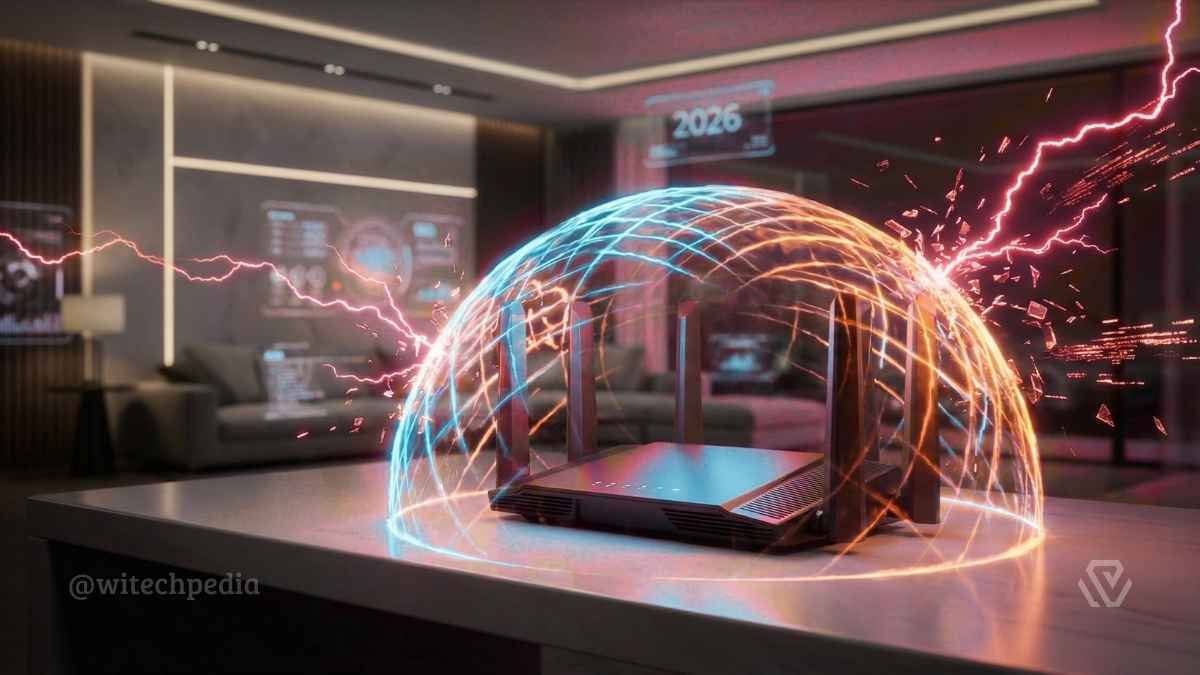
In the hyper-connected landscape of 2026, Home Network Hardening is no longer an optional hobby for tech enthusiasts—it is a critical necessity for every household. With the explosion of Internet of Things (IoT) devices, from smart refrigerators to AI-driven home assistants, the attack surface of the average home has grown exponentially.
This guide will walk you through the essential steps to lock down your digital perimeter, moving from basic hygiene to advanced, enterprise-grade defense strategies.
Why Home Network Hardening Matters in 2026
The era of “security by obscurity” is officially over. Automated bots and AI-driven scripts now scan residential IP addresses continuously, looking for open ports and default credentials. Home Network Hardening is the process of reducing these vulnerabilities by configuring your devices and network infrastructure to withstand attacks.
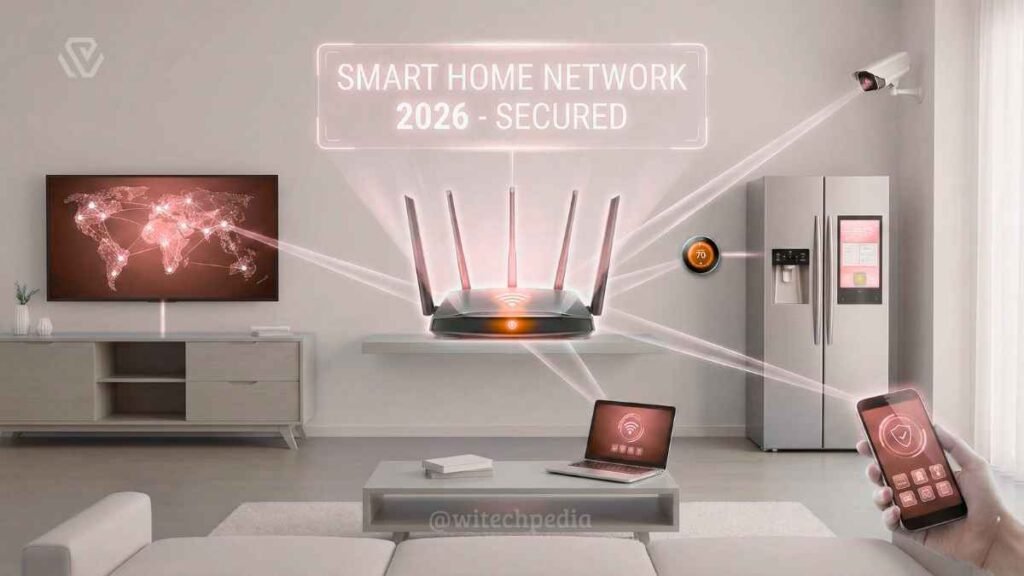
Unlike corporate environments, home networks often lack dedicated security teams, making them low-hanging fruit for cybercriminals. However, by applying the principles recommended by CISA’s home network guidelines and maintaining proper hygiene, you can make your network a “hard target.”
Phase 1: The Essentials (Quick Wins)
Before investing in expensive hardware, ensure you have the basics covered. These steps cost nothing but significantly improve your security posture.
1. Master Your Router’s Admin Panel
Your router is the front door to your digital home.
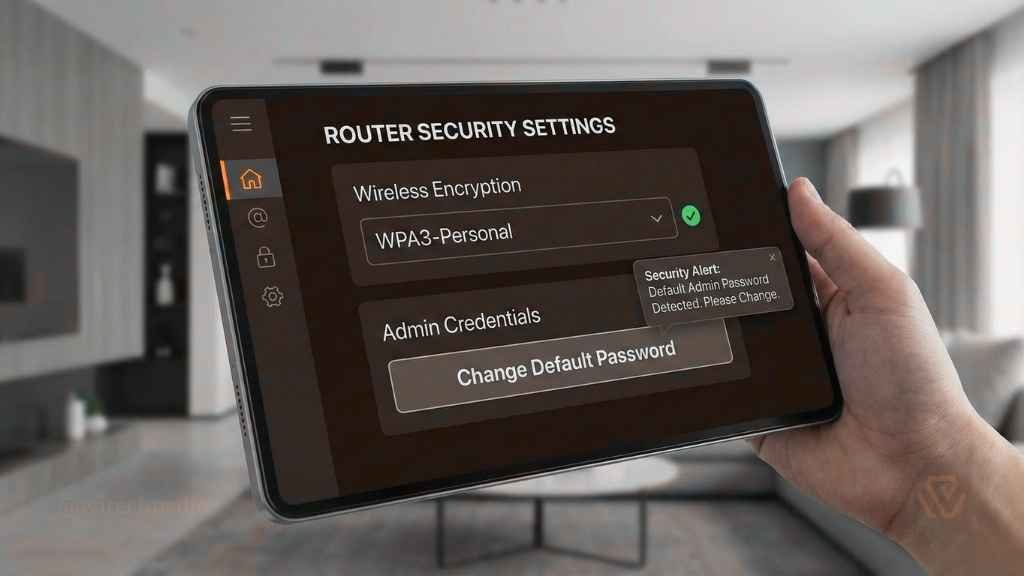
- Change Default Credentials: Never use the
admin/adminlogin printed on the sticker. - Update Firmware: Ensure your router is running the latest firmware to patch known exploits.
- Disable UPnP (Universal Plug and Play): While convenient for gaming, UPnP is a massive security hole that allows malware to punch holes in your firewall without your permission.
2. Encryption Standards: WPA3 is King
If your router supports it, switch your Wi-Fi security setting to WPA3. This standard offers superior protection against brute-force attacks compared to the older WPA2. If WPA3 is unavailable, ensure you are using WPA2-AES (not TKIP).
3. Secure Your Endpoints
A network is only as secure as the devices connected to it. Ensure your PCs are patched and running the latest versions of Windows OS, and that all mobile devices have automatic updates enabled.
Phase 2: Network Segmentation (The “Pro” Move)
The single most effective step you can take is Network Segmentation. This involves splitting your single home network into multiple “virtual” networks (VLANs) to contain threats.
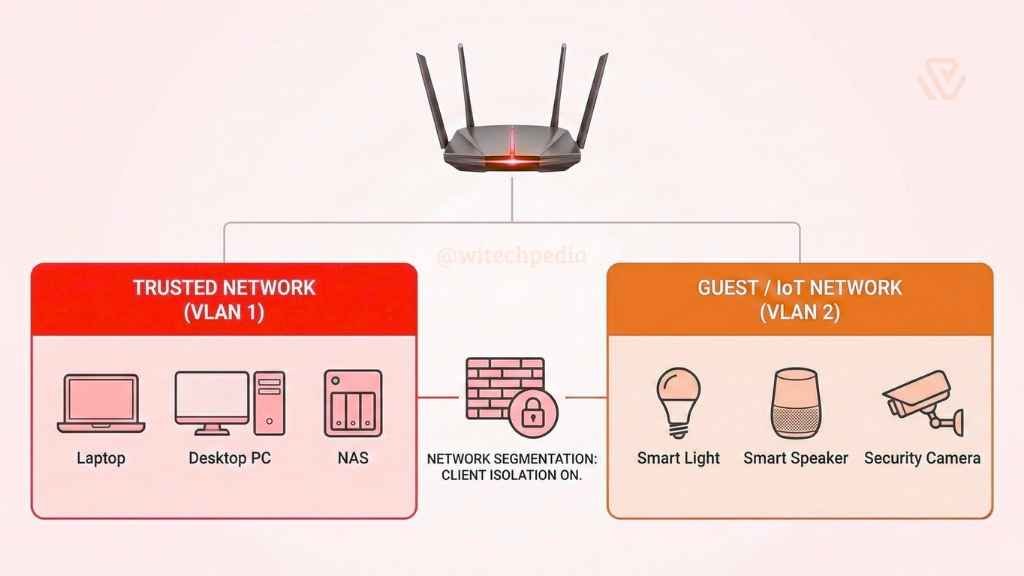
- The Trusted Network: This is for your high-value assets—your laptops, phones, and NAS (Network Attached Storage) containing sensitive data.
- The Guest Network (IoT Quarantine): Place all smart bulbs, cheap cameras, and smart fridges here. If a hacker compromises a smart bulb, they are trapped in the guest network and cannot access your personal PC or files.
Pro Tip: Many modern routers allow you to create a “Guest Network” with a single click. Ensure “Client Isolation” is enabled so devices on this network cannot talk to each other.
Phase 3: Advanced Tools & Monitoring
For the WiTechPedia reader looking to go beyond the basics, these tools offer granular control over your traffic.
Advanced Home Network Hardening with Hardware Firewalls
Software firewalls on your PC are great, but a hardware firewall sits between your modem and your router, filtering traffic before it even enters your home.
- PfSense / OPNsense: Open-source firewall solutions that can run on older PC hardware.
- Firewalla: A consumer-friendly plug-and-play firewall box that offers deep packet inspection.
DNS Filtering with Pi-hole
Consider setting up a Pi-hole on a Raspberry Pi. This acts as a network-wide ad blocker and tracker blocker. It prevents your devices from communicating with known malicious domains, adding an extra layer of privacy. You can read more about setting up lightweight servers in our Cloud Computing & Server Guides.
Phase 4: Future-Proofing Against Next-Gen Threats
As we move further into 2026, the threats are becoming more sophisticated. Your defense strategy must evolve to counter them.
Defending Against AI-Driven Attacks
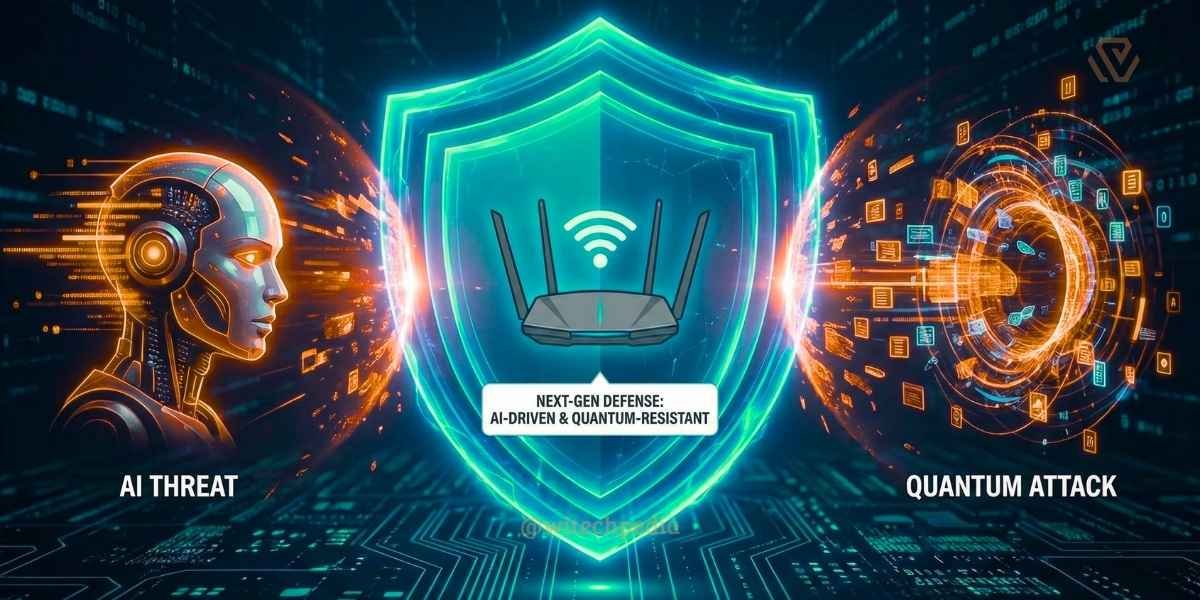
We are seeing the rise of Agentic AI —autonomous AI agents capable of executing complex cyberattacks without human intervention. To counter this, modern next-gen antivirus solutions are beginning to employ local AI models to detect anomalous behavior that traditional signature-based detection might miss.
The Quantum Threat
While still on the horizon, the ability of quantum computers to break current encryption standards is a real concern. Forward-thinking users should start educating themselves on Post-Quantum Cryptography. While you cannot “upgrade” your home router to quantum-proof encryption just yet, staying informed on these standards (like CRYSTALS-Kyber) ensures you know what hardware to buy when the technology hits the consumer market.
Validating Your Tools
Finally, ensure the tools you use to test your network are safe. Tools like OpenClaw can be used to scan for vulnerabilities in your own web applications, but ensure you are using them ethically and within your own network boundaries.
Final Thoughts
Home Network Hardening 2026 is not a one-time task; it is a continuous process of assessment and improvement. By implementing these steps, you are not just protecting your devices; you are securing your personal data, your privacy, and your peace of mind.
For more guides on securing your digital life, explore the Tech Tools on WiTechPedia.